CAMMS Software Review: Features, Pricing & User Feedback
Comprehensive analysis of CAMMS capabilities, costs, and real user experiences
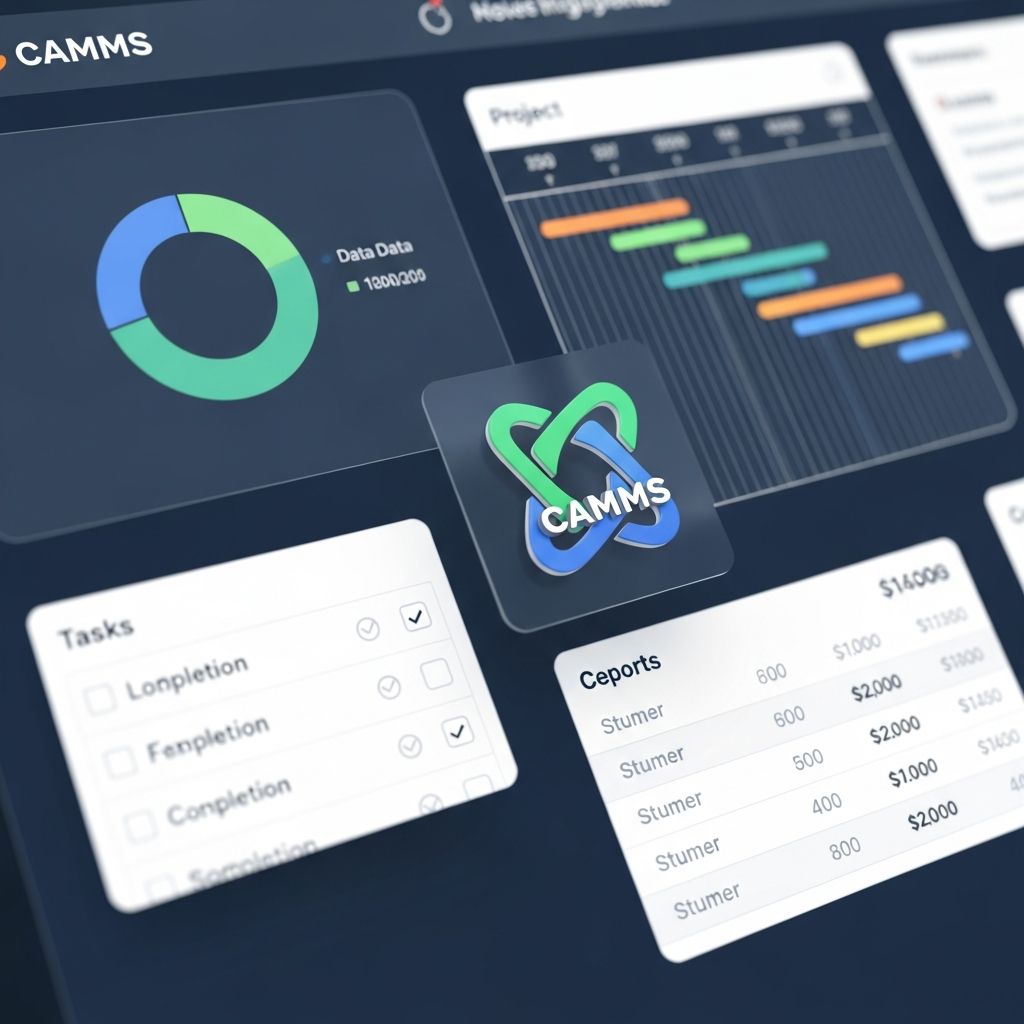
In today’s digital landscape, organizations require robust collaboration and management platforms to streamline operations and enhance team productivity. CAMMS represents one such platform that has garnered significant attention from enterprises seeking comprehensive solutions for managing complex projects and workflows. This review examines the platform through the lens of verified user experiences, pricing structures, and comparative analysis with competing solutions.
Understanding CAMMS: Platform Overview and Purpose
CAMMS functions as a comprehensive management suite designed to address multiple organizational needs simultaneously. The platform serves organizations that require integrated capabilities for project oversight, resource allocation, and team collaboration. Rather than forcing users to adopt fragmented tools across various functions, CAMMS consolidates multiple operational requirements into a single ecosystem.
The software architecture emphasizes accessibility and user adoption, recognizing that enterprise tools often struggle when end-users find them cumbersome or unintuitive. CAMMS attempts to bridge this gap by offering interfaces designed for both technical and non-technical team members, enabling broader organizational participation in management processes.
Investment Requirements: Understanding the Pricing Model
Financial considerations play a central role in software procurement decisions. CAMMS operates on a per-editor pricing model, which diverges from some competing approaches that charge per user or per project. This structural difference has implications for organizations with varying editorial responsibilities.
The platform pricing starts at $180 per month per editor, establishing an entry point for organizations testing the solution with limited team members. This licensing approach means that organizations expanding their project management team or increasing editorial roles will see proportional cost increases.
Cost Implications for Different Organization Sizes
- Small teams (2-3 editors) face monthly costs between $360-$540
- Mid-sized operations (5-10 editors) typically range from $900-$1,800 monthly
- Enterprise deployments with numerous editorial staff can exceed $5,000+ monthly
- Annual contracts may offer volume discounts compared to monthly payments
- Implementation and onboarding represent additional investment considerations
Organizations should evaluate whether the per-editor model aligns with their operational structure. Companies where many staff members require editorial access may find alternative licensing models more economical, while those with defined editorial teams may discover cost advantages in CAMMS’s approach.
User Experience and Interface Design
Verified users have provided extensive feedback on CAMMS’s user experience across various operational contexts. The platform’s interface design attempts to balance feature richness with navigational clarity, though experiences vary based on individual user roles and technical proficiency.
Users consistently report that the initial learning curve exists but remains manageable for teams with dedicated onboarding time. The platform provides context-sensitive help features and documentation to support self-service learning. Organizations implementing CAMMS successfully typically allocate resources for training sessions rather than expecting immediate productivity without guidance.
Strengths in User Interface
- Customizable dashboards accommodate different role requirements
- Workflow templates accelerate common processes
- Mobile responsiveness enables field and remote team access
- Integrated communication reduces tool switching
- Role-based access controls simplify permission management
Core Functionality and Operational Capabilities
CAMMS delivers functionality spanning multiple operational domains. Project managers utilize timeline management, resource scheduling, and dependency tracking. Teams leverage collaboration features including shared workspaces, document management, and real-time updates. Stakeholders access reporting and visibility features for informed decision-making.
The platform’s strength lies in integration rather than specialization. Rather than excelling at a single function, CAMMS aims to be competent across numerous capabilities, reducing the need to integrate multiple point solutions.
Primary Feature Categories
| Feature Area | Primary Capabilities | User Feedback |
|---|---|---|
| Project Management | Timeline views, milestone tracking, resource allocation | Generally positive for mid-complexity projects |
| Team Collaboration | Shared workspaces, commenting, file sharing | Effective for distributed teams |
| Reporting and Analytics | Customizable dashboards, status reporting, metrics | Valuable for stakeholder communication |
| Resource Management | Capacity planning, skill-based assignment, utilization tracking | Appreciated for portfolio management |
| Document Management | Version control, organized storage, access controls | Reduces reliance on external storage services |
Competitive Positioning in the Market
CAMMS operates within a competitive segment featuring numerous alternatives designed for similar organizational needs. Understanding how CAMMS compares to competitors helps prospects evaluate whether it aligns with their specific requirements.
The software landscape includes specialized tools excelling at specific functions and integrated platforms attempting broader functionality. CAMMS positions itself in the integrated category, competing against platforms offering comparable breadth of capabilities.
Competitive Differentiation Factors
- Pricing model differs from per-user alternatives, potentially favoring large teams
- Feature breadth provides advantages for organizations seeking consolidated platforms
- Implementation timeline and adoption curves vary compared to simpler competitors
- Customization capabilities appeal to organizations with specific workflows
- Integration ecosystem expands functionality through third-party connections
Organizations evaluating CAMMS should assess whether integrated functionality justifies the platform’s cost relative to specialized alternatives. Some teams may find that focused tools for specific functions, while requiring integration effort, ultimately better serve their needs.
Real User Assessment: Verified Feedback Analysis
Examination of verified user reviews reveals consistent themes regarding CAMMS implementation and operational use. Users who achieve successful outcomes typically invested time in proper configuration and team training.
Positive feedback frequently highlights how the platform consolidates previously fragmented workflows. Users express appreciation for reduced tool switching and improved visibility across projects. Teams report that standardized processes, supported by CAMMS templates and workflows, enhance consistency across projects.
Areas where users express less satisfaction often relate to customization complexity or integration challenges. Organizations with highly specialized workflows sometimes find that CAMMS requires significant configuration to match their existing processes. Integration with legacy systems occasionally demands technical resources beyond what organizations anticipated.
Common Success Factors in User Implementations
- Dedicated project manager or administrator role to manage platform
- Comprehensive training for end-users before full deployment
- Clear governance policies for process standardization
- Executive support for adoption and process change
- Phased rollout rather than organization-wide simultaneous launch
Implementation Considerations and Timeline
Successful CAMMS deployment extends beyond software installation. Organizations must plan for configuration, data migration, training, and organizational change management. The implementation timeline and resource requirements vary significantly based on organizational complexity and integration needs.
Small implementations with straightforward workflows and limited integrations may complete in weeks. Complex deployments spanning multiple departments, legacy system integrations, and extensive customization can span months. Organizations should allocate realistic timeframes rather than assuming rapid deployment.
Implementation Phase Considerations
- Discovery and Planning: Define requirements, assess current processes, identify customizations needed
- Configuration: Set up workflows, user roles, permissions, and integrations
- Data Migration: Transfer historical data from legacy systems ensuring accuracy
- Testing: Validate functionality, integrations, and data integrity
- Training: Prepare users for new workflows and platform features
- Deployment: Transition to production with rollback contingency planning
- Optimization: Monitor usage, refine processes based on real-world experience
Support and Vendor Relationship
Software success depends significantly on vendor support quality and responsiveness. CAMMS customers report varied experiences with technical support, with outcomes often correlating to subscription tier and organizational relationship maturity.
Users accessing premium support tiers generally report faster response times and more personalized assistance. Organizations on standard support plans sometimes experience delays during high-demand periods. The availability of comprehensive documentation and community resources provides additional support pathways beyond direct vendor contact.
Key Decision Framework for Evaluation
Organizations considering CAMMS should evaluate the platform against specific criteria relevant to their context. A structured decision framework helps systematize the evaluation process.
Critical Evaluation Questions
- Does the per-editor pricing model align favorably with our organizational structure?
- Will our teams benefit from integrated functionality or prefer specialized tools?
- Do our integration requirements align with CAMMS’s available connectors?
- Can we allocate adequate resources for implementation and change management?
- How does CAMMS compare to our specific shortlist of alternatives?
- What is our tolerance for vendor lock-in and data export capabilities?
- Will adoption resistance present challenges that we can realistically overcome?
Practical Recommendations for Organizations
Based on user experiences and platform capabilities, CAMMS demonstrates particular strength in certain organizational contexts. Understanding these contexts helps organizations determine fit.
CAMMS performs optimally for organizations with multiple concurrent projects requiring coordinated resource management. The platform serves well teams needing enhanced visibility and standardized processes across departments. Organizations seeking consolidation of fragmented tools appreciate the integrated approach.
CAMMS may require additional evaluation for organizations with highly specialized workflows or extensive legacy system dependencies. Simple project management needs may find more cost-effective alternatives. Single-project organizations may find the platform’s breadth unnecessary.
Ideal Candidate Profile for CAMMS Adoption
- Mid to large enterprises managing multiple concurrent initiatives
- Organizations with matrix structures requiring cross-functional collaboration
- Companies prioritizing standardized processes and governance
- Teams distributed geographically requiring asynchronous collaboration
- Organizations with defined project portfolios requiring oversight
Frequently Asked Questions
What makes CAMMS different from other project management platforms?
CAMMS distinguishes itself through integrated functionality spanning project management, resource allocation, collaboration, and reporting. Rather than offering point solutions, it consolidates multiple functions into a unified platform, reducing tool switching and improving cross-functional visibility.
Is the $180 per editor pricing competitive compared to alternatives?
Pricing comparison depends on organizational structure and feature requirements. For organizations with large editorial teams, the per-editor model offers advantages. Organizations with numerous general users but few editors may find per-user alternatives more economical. Comprehensive comparison requires evaluating specific feature overlaps and organizational needs.
How long does implementation typically require?
Implementation timelines vary from weeks for simple deployments to months for complex environments. Factors including integration requirements, data migration scope, customization needs, and organizational readiness significantly influence timeline. Realistic planning allocates 2-4 months for typical mid-sized organizational implementations.
What training support does CAMMS provide?
CAMMS provides documentation, video tutorials, and professional services for training delivery. Organizations typically supplement vendor training with internal change management initiatives to ensure team adoption and sustained usage.
Can CAMMS integrate with our existing tools and systems?
CAMMS offers integrations with common enterprise applications. Specific integration availability depends on your existing systems. Organizations should verify integration availability for critical tools during evaluation phases.
Conclusion: Strategic Positioning of CAMMS
CAMMS represents a legitimate option for organizations seeking integrated project and resource management solutions. The platform delivers meaningful value for teams requiring consolidated functionality, though success depends significantly on proper implementation and organizational commitment.
Prospective adopters should approach CAMMS evaluation systematically, comparing the platform against specific organizational requirements and competitive alternatives. Users implementing CAMMS successfully report improved process standardization, enhanced visibility, and better cross-functional collaboration. Organizations that align their needs with CAMMS capabilities and invest appropriately in implementation find the platform delivers on its promises.
The decision to adopt CAMMS ultimately depends on organizational context, specific requirements, and strategic objectives. By thoroughly evaluating the platform against criteria outlined in this analysis, organizations can make informed procurement decisions that support long-term operational success.
References
- TrustRadius Platform Overview — TrustRadius, Inc. 2026. https://www.trustradius.com
- Software Selection Framework and Enterprise Procurement Best Practices — Gartner, Inc. Published quarterly. https://www.gartner.com/en
- Project Management Software Capabilities Assessment — Capterra, an Apptio Company. 2026. https://www.capterra.com
- Implementation Success Factors in Enterprise Software Adoption — Software Advice. 2026. https://www.softwareadvice.com
Similar Articles








Read full bio of Sneha Tete