Comic Life Software: Features, Pricing & User Reviews
Comprehensive analysis of Comic Life 3 & 4 capabilities for digital comic creation
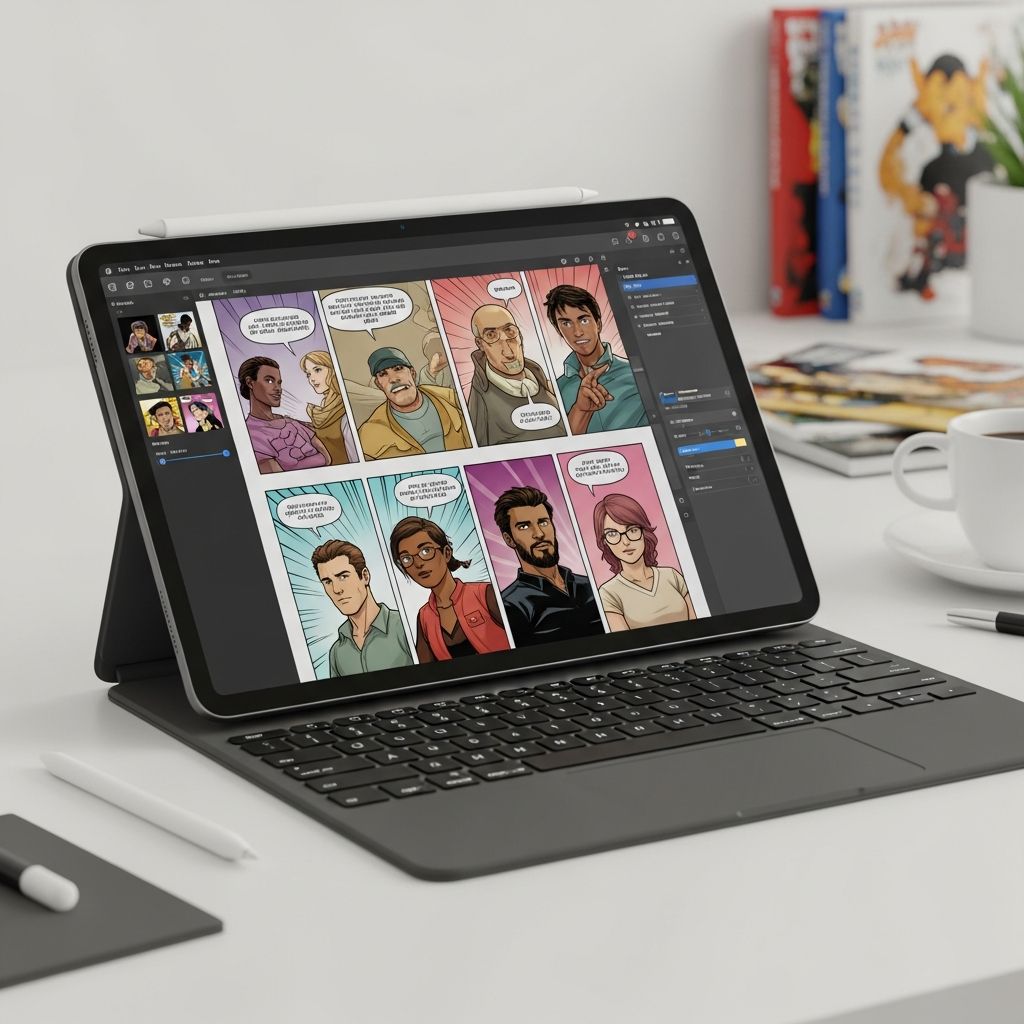
In today’s digital landscape, creative tools have become increasingly accessible to amateur and professional artists alike. Comic Life represents one such platform that bridges the gap between photo editing and sequential art creation. This software has evolved significantly over its lifecycle, with versions 3 and 4 offering distinct capabilities for transforming ordinary photographs into engaging visual narratives. Whether you’re interested in creating humorous strips, instructional comics, or artistic projects, understanding what Comic Life offers is essential for making an informed decision about your creative toolkit.
What Makes Comic Life a Unique Creative Solution
Comic Life operates on a fundamentally different principle than traditional digital art software. Rather than requiring users to draw from scratch or possess advanced illustration skills, the platform leverages photography and image manipulation to construct comic narratives. This approach democratizes comic creation by allowing anyone with access to images to produce professional-looking sequential art.
The software distinguishes itself through its template-based architecture. Users can select from numerous pre-designed layouts, panel configurations, and visual styling options. This systematic approach eliminates much of the technical burden associated with traditional comic creation, focusing instead on storytelling and composition.
Core Capabilities and Creative Tools
Comic Life provides an extensive library of design elements that work together to construct cohesive visual stories. The platform includes:
- Pre-made panel templates in various grid configurations
- Customizable speech bubbles and caption boxes with multiple styling options
- Text formatting tools with comic-appropriate typography
- A diverse collection of visual effects and filters
- Image import functionality through drag-and-drop interface
- Multi-page project support for extended narratives
- Export capabilities in multiple formats
Beyond comic creation, the software extends into related creative territories. Users have successfully employed Comic Life for producing educational materials, tutorial documentation, photo albums with narrative elements, and instructional booklets. This versatility explains why the platform appeals to educators, marketers, and content creators beyond the traditional comic enthusiast demographic.
Platform Availability and System Requirements
Comic Life operates across both major desktop operating systems, with dedicated versions available for macOS and Windows environments. This cross-platform compatibility ensures that creative professionals regardless of their hardware preferences can access the software’s functionality. The application receives regular updates, with Comic Life 4 representing the latest major iteration incorporating performance improvements and interface enhancements.
Installation follows a straightforward process, with the downloaded file launching directly to begin creating. No complex configuration procedures or prerequisite software installations are necessary, making initial onboarding quick and intuitive for new users.
Pricing Structure and Trial Options
The software operates under a one-time purchase model rather than subscription-based pricing. This approach particularly appeals to users seeking ownership of their creative tools without recurring monthly fees. Current pricing stands at $30 USD for a perpetual license, positioning Comic Life as an affordable option within the graphic design software marketplace.
Prospective users benefit from a 30-day free trial period, allowing evaluation of the platform before financial commitment. This trial access provides sufficient time to test core functionality, import images, experiment with various templates, and determine whether the software aligns with specific creative needs. Many users report being sufficiently impressed during trial periods to justify the purchase investment.
User Experience and Interface Design
Navigation through Comic Life emphasizes simplicity without sacrificing functionality. The interface organizes templates into logical categories including blank canvases for custom layouts, educational templates, sequential panel collections, and themed options. This categorization helps users quickly locate appropriate starting points for their projects.
The drag-and-drop import mechanism significantly streamlines workflow. Rather than navigating through file dialogs, users can directly drag images from desktop folders into the application workspace. This efficiency extends to arranging elements within projects, as panels, captions, and decorative elements all respond to intuitive dragging and positioning gestures.
Image Quality and Rendering Considerations
A critical concern for any image-based creative tool involves potential quality degradation during manipulation and export. Comic Life addresses this through its handling of PNG files and other high-resolution formats. Testing reveals that the application maintains image crisp quality throughout editing sessions and when transferring images between different elements within projects. This quality preservation proves essential for professional-grade outputs.
Users working with rendered graphics from 3D applications or high-resolution photography report satisfactory results, indicating that the software doesn’t introduce artificial compression artifacts or quality loss during standard workflows.
Performance and Stability Observations
Extended use reveals generally reliable performance across both macOS and Windows platforms. The application handles multi-page projects without significant lag, and interface responsiveness remains consistent even with numerous elements loaded in a single composition. Occasional quirks have been noted by power users, though these typically involve edge-case scenarios rather than core functionality.
Customer Support and Service Experience
User feedback regarding customer support presents a mixed landscape. While many users report positive experiences with the software itself, some have encountered challenges when attempting to contact support through official channels. Response times to inquiry emails have varied considerably, with some users reporting delays or lack of acknowledgment to multiple contact attempts.
This aspect of the user experience deserves consideration, particularly for those anticipating potential technical issues or requiring clarification on advanced features. Prospective purchasers should factor in the possibility of limited responsive support when evaluating the total value proposition.
Comparative Analysis Against Competing Platforms
The digital comic creation market includes several alternative solutions, each with distinct advantages. CorelDRAW Graphics Suite offers more comprehensive graphic design capabilities but with steeper learning curves. Specialized comic software alternatives provide different feature sets focused on various aspects of sequential art creation.
Comic Life’s primary competitive advantage lies in its accessibility-focused approach. By prioritizing ease of use over feature complexity, the platform serves a broader audience including casual creators, educators, and non-specialists. The one-time purchase pricing further differentiates it from subscription-heavy alternatives.
Ideal Use Cases and Target Audiences
Comic Life serves several distinct user categories effectively:
- Educators: Teachers incorporate the software for creating engaging educational materials, sequential instruction guides, and interactive learning content
- Marketing Professionals: Content creators utilize templates for social media graphics and promotional comic strips
- Amateur Artists: Individuals without professional illustration training can produce compelling visual narratives
- Photography Enthusiasts: Photo-based comic creation transforms existing image collections into narrative formats
- Technical Writers: Documentation creators benefit from templated layouts for producing process-oriented instructional content
Technical Considerations and File Management
The application supports standard image formats including PNG, JPEG, and others commonly used in digital workflows. Project files maintain compatibility across versions, though users should maintain backups of work in progress. Export functionality provides flexibility in output formats, allowing creation in one format and distribution in another.
Storage requirements remain minimal compared to video editing or 3D rendering applications, making Comic Life suitable for systems with limited hard drive space. Installation footprint is comparatively small, further supporting accessibility for various computing environments.
Strengths Emphasized in User Feedback
Users consistently highlight several positive aspects of their Comic Life experience:
- Rapid project completion compared to traditional comic creation methods
- Professional appearance of outputs despite minimal technical expertise required
- Extensive template library covering diverse creative needs
- Affordable pricing structure and one-time payment model
- Cross-platform compatibility for Windows and macOS users
- Intuitive interface minimizing learning curve time
- Reliable quality maintenance during editing workflows
Areas Requiring User Attention
While generally positive, user experiences identify several considerations:
- Support response times may be inconsistent
- Limited advanced customization for highly specialized projects
- Some users report minor interface quirks in specific scenarios
- No subscription model means missing potential future feature updates post-purchase
- Reliance on image quality of source materials
Practical Implementation Recommendations
For users considering Comic Life adoption, several practical approaches optimize the experience. Beginning with the free trial period allows exploration of template libraries and familiarity with interface mechanics before purchase. Importing diverse image types during trial testing reveals compatibility with specific photography or graphics already in your collection.
Organizing source materials into dedicated folders before project creation streamlines workflow efficiency. Taking time to explore different template categories identifies optimal starting points for specific project types. Many users discover that extended exploration of available templates reveals possibilities beyond initial assumptions about the software’s scope.
Version Progression and Feature Evolution
Comic Life 4 represents the latest evolution of the platform, incorporating improvements over previous versions. Updates generally focus on performance optimization, interface refinement, and addressing user-identified issues. The development trajectory suggests ongoing commitment to maintaining and enhancing the platform, though the pace of feature additions appears measured rather than aggressive.
Conclusion: Evaluating Comic Life’s Fitness for Your Needs
Comic Life occupies a specific and valuable niche within creative software offerings. It succeeds not by attempting to be everything to everyone, but by focusing intensely on making photo-based comic creation accessible to the broadest possible audience. This focused approach creates genuine value for educators, content creators, marketing professionals, and amateur artists.
The $30 one-time investment represents minimal financial risk, particularly when evaluated against the time savings and professional results achievable. The 30-day trial period provides adequate opportunity to assess whether the software aligns with specific creative objectives and workflow preferences.
Users should enter the Comic Life experience with realistic expectations about its strengths in templated, photo-based comic creation while maintaining awareness of support limitations and technical constraints. For those seeking rapid, accessible comic creation capabilities, Comic Life delivers proven functionality at an attractive price point.
References
- Comic Life 4 – Ratings & Reviews — Apple App Store. 2024. https://apps.apple.com/us/app/comic-life-4/id6651859366
- Comic Life Software Pricing, Alternatives & More 2026 — Capterra. 2026. https://www.capterra.com/p/235221/Comic-Life/
- Comic Life Reviews 2026: Details, Pricing, & Features — G2. 2026. https://www.g2.com/products/comic-life/reviews
- Best Comic Life Alternatives & Competitors in 2026 — TrustRadius. 2026. https://www.trustradius.com/products/comic-life/competitors
- Comic Life – Download — Softonic. 2024. https://comic-life.en.softonic.com
Similar Articles








Read full bio of Sneha Tete