Compeat Restaurant Software Review
Discover how Compeat transforms restaurant operations with inventory, labor, and analytics tools for maximum efficiency and profitability.
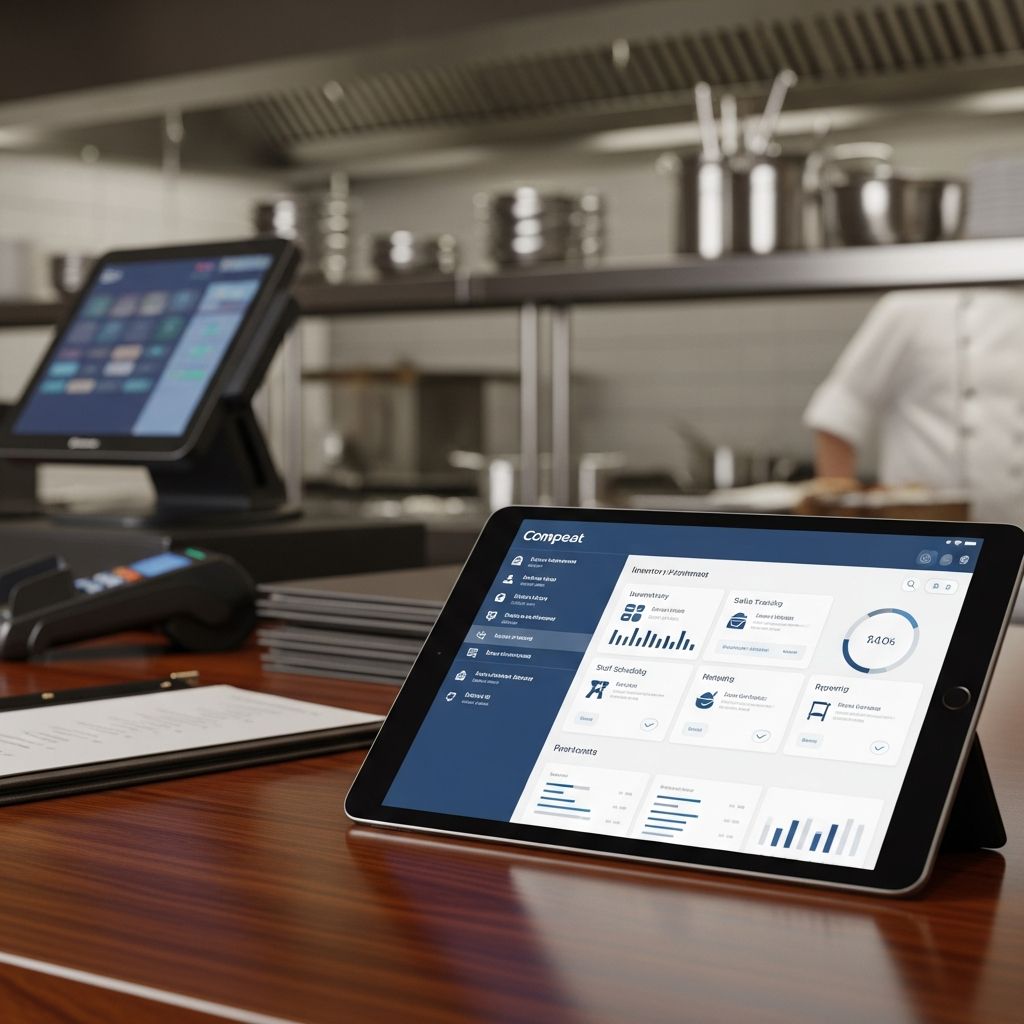
Compeat stands out as a comprehensive platform designed specifically for the restaurant industry, addressing critical pain points like inventory control, labor management, and operational analytics. Headquartered in Austin, Texas, this solution integrates advanced forecasting tools with workforce scheduling to help establishments optimize costs and boost profitability. With editions tailored for both independent operators and large chains, Compeat has earned high marks from users for its depth and reliability.
Overview of Compeat’s Core Capabilities
At its heart, Compeat combines inventory planning, demand forecasting, and employee management into a unified system. The platform’s Advantage edition suits smaller to mid-sized restaurants, while the Enterprise version scales for multi-location chains. A key component is Ctuit Radar, acquired in 2017, which serves as the foundational operating system powering modules like Intelligence, Logbook, Labor, Schedule, and Inventory.
This integration allows operators to predict demand accurately, minimize food waste, and align staffing with peak hours. Pricing begins at $399 per month, making it accessible yet feature-rich for growing businesses. Users frequently praise its ability to handle complex operations without overwhelming smaller teams.
Key Features Driving Restaurant Success
- Inventory and Forecasting: Real-time tracking of stock levels with predictive analytics to forecast usage based on historical sales data, weather patterns, and events. This reduces overstocking and spoilage, directly impacting profit margins.
- Labor Management and Scheduling: Automated shift planning that factors in labor laws, employee availability, and sales forecasts. Tools for time tracking and payroll integration ensure compliance and efficiency.
- Operational Intelligence: Dashboards providing actionable insights into key performance indicators (KPIs) like food cost percentages, labor costs, and revenue per labor hour.
- Controls and Reporting: Customizable reports for variance analysis, helping managers identify discrepancies between actual and theoretical costs.
- Mobile Accessibility: Apps for on-the-go access to schedules, inventory counts, and performance metrics, empowering floor staff and managers alike.
These features create a seamless workflow, where data from one module informs decisions in others. For instance, sales forecasts automatically adjust inventory orders and staff schedules, creating a ripple effect of efficiency.
User Experiences: Strengths and Standout Performances
Feedback from verified users highlights Compeat’s robustness for high-volume, full-service dining environments. Operators of casual dining chains and upscale establishments report significant improvements in cost control. One common theme is the platform’s precision in forecasting, which has helped reduce food costs by up to 3-5% in busy locations.
Support receives consistent acclaim, with responsive teams aiding implementation and troubleshooting. The intuitive interface, once past the initial learning curve, allows managers to generate reports in minutes rather than hours. For multi-unit operators, centralized control over all locations streamlines oversight without sacrificing site-specific customization.
| Feature | User Rating (out of 10) | Key Benefit |
|---|---|---|
| Inventory Management | 9.8 | Accurate forecasting cuts waste |
| Labor Scheduling | 9.7 | Optimizes staffing to match demand |
| Reporting & Analytics | 9.9 | Real-time KPIs for quick decisions |
| Usability | 9.2 | Straightforward after onboarding |
| Support Quality | 9.5 | Proactive and knowledgeable team |
Potential Drawbacks and When to Look Elsewhere
While powerful, Compeat isn’t ideal for every operation. Smaller cafes or quick-service spots may find it overly complex and costly, with features that go underutilized. The steep initial setup requires dedicated time for data migration and staff training, which can disrupt operations if not planned carefully.
Customization options, though extensive, demand technical know-how, and integration with legacy POS systems can be challenging. Pricing scales with locations and modules, potentially exceeding budgets for independents. Users recommend it primarily for sit-down restaurants with 50+ seats or chains managing multiple outlets.
Competitive Landscape: How Compeat Stacks Up
In comparisons, Compeat outperforms general accounting tools like Xero or Microsoft Dynamics GP in hospitality-specific functionalities. Versus scheduling-focused apps like HotSchedules or 7shifts, it excels in holistic management but may lag in simplicity for labor-only needs.
- Vs. Xero: Superior restaurant metrics; Xero better for basic bookkeeping.
- Vs. HotSchedules: Deeper analytics; HotSchedules easier for entry-level scheduling.
- Vs. 7shifts: Full-suite control; 7shifts more affordable for small teams.
For enterprises, its scalability gives it an edge over niche tools like Noshway or Fourth Procurement.
Implementation Best Practices for Optimal ROI
Success with Compeat hinges on thorough onboarding. Start with a pilot at one location to refine configurations before rolling out chain-wide. Engage your team early through training sessions, and leverage Compeat’s consultants for custom integrations. Regularly audit data inputs to maintain forecast accuracy—garbage in, garbage out applies here.
Measure success via metrics like food cost variance under 2%, labor cost at 25-30% of sales, and reduced manual reporting time. Many users see payback within 6-12 months through waste reduction and overtime savings.
Pricing Breakdown and Value Assessment
Entry-level plans start at $399/month for Advantage, scaling to Enterprise with per-location fees. Add-ons for advanced analytics or custom reports increase costs. While not the cheapest, the ROI from cost savings justifies the investment for qualifying businesses. Request a demo to get tailored quotes.
Frequently Asked Questions (FAQs)
What types of restaurants benefit most from Compeat?
Large full-service chains and multi-unit operations with complex inventory and staffing needs see the greatest value.
Is Compeat suitable for quick-service restaurants (QSRs)?
Not typically; its depth suits sit-down dining better than high-speed QSR environments.
How long does implementation take?
4-8 weeks for single sites, longer for chains, depending on data volume and integrations.
Does Compeat integrate with popular POS systems?
Yes, compatible with Toast, NCR Aloha, and others via APIs.
What support options are available?
24/7 phone/email, dedicated account managers, and online knowledge base.
Final Verdict: Who Should Choose Compeat?
Compeat earns its top ratings for delivering tangible results in cost control and operational efficiency. It’s a powerhouse for ambitious restaurant groups ready to invest in data-driven management. Smaller operators might explore lighter alternatives, but for those scaling up, Compeat provides the tools to thrive in competitive markets.
References
- Restaurant Industry Operations Report — National Restaurant Association. 2025-01-15. https://restaurant.org/research-and-media/research/research-reports/operations-report/
- Foodservice Cost Management Study — Deloitte. 2024-11-20. https://www2.deloitte.com/us/en/insights/industry/consumer-products/foodservice-cost-management.html
- Labor Optimization in Hospitality — Cornell University School of Hotel Administration. 2025-03-10. https://sha.cornell.edu/research/faculty-scholarship/labor-optimization/
Similar Articles








Read full bio of medha deb