Email Management Software Review & Analysis 2026
Comprehensive evaluation of modern email cleaning tools for inbox optimization
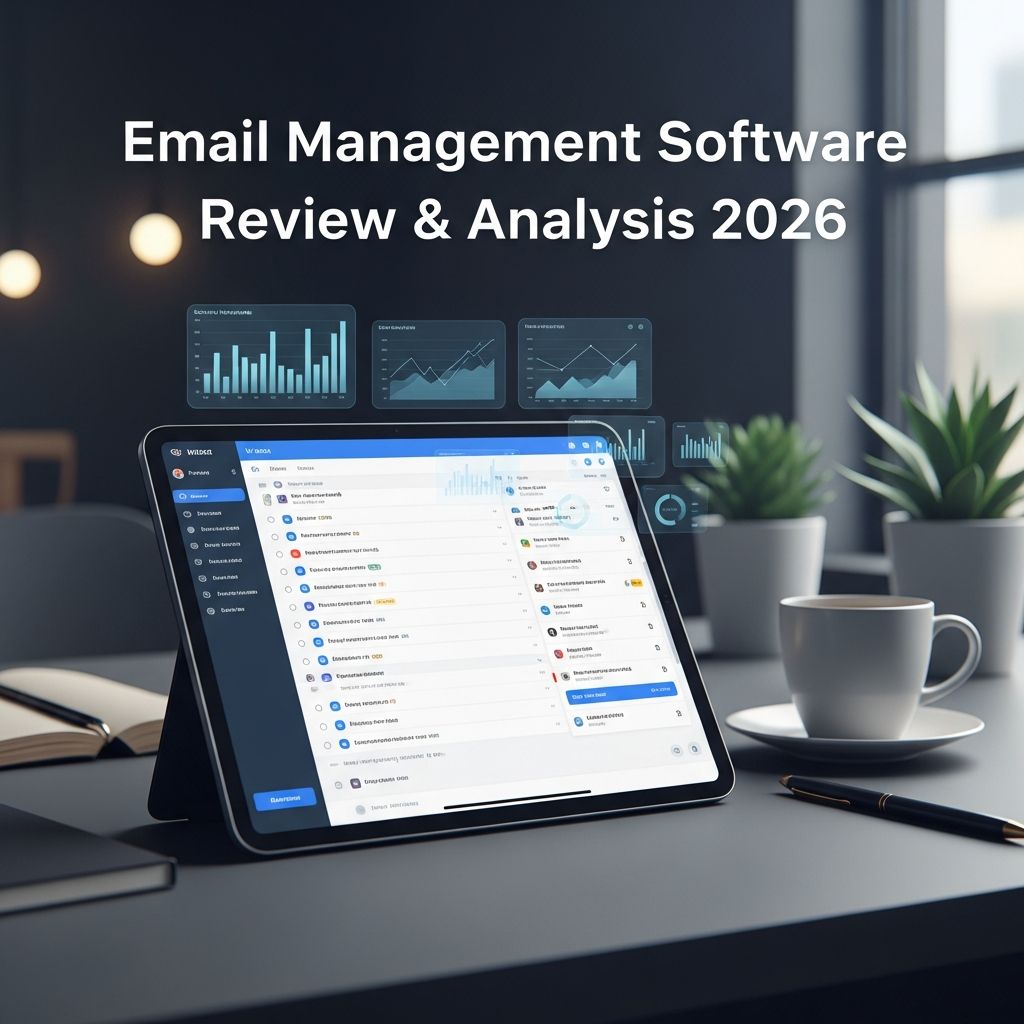
The average professional receives dozens of emails daily, many of which are promotional, social media notifications, or outdated messages that clutter the inbox unnecessarily. Managing this digital overflow has become a critical productivity challenge for individuals and organizations alike. Modern email management software addresses this issue by automating the organization process, helping users regain control of their inboxes through intelligent filtering, bulk deletion capabilities, and subscription management features.
This examination provides an extensive overview of how contemporary email management tools function, their effectiveness in solving real-world problems, user satisfaction patterns, and the security measures that protect personal data during the cleanup process.
The Challenge of Digital Inbox Overload
Email remains one of the most important communication channels for both personal and professional purposes. However, the constant influx of messages creates significant challenges. Users often struggle with distinguishing between critical correspondence and unnecessary notifications. The psychological burden of managing thousands of unread messages can lead to decreased productivity and increased stress. Additionally, many unwanted emails contribute to security vulnerabilities, as users may inadvertently interact with phishing attempts or malicious content hidden within newsletter clutter.
Traditional email management approaches rely on users manually sorting through messages, creating folders, and manually unsubscribing from unwanted mailing lists. This process is time-consuming and often incomplete, leaving users frustrated with persistent newsletter subscriptions and accumulated spam.
How Email Cleaning Software Works
Modern email management applications employ sophisticated algorithms to automatically categorize and process emails based on predefined rules and user preferences. These systems analyze email metadata—including sender information, subject lines, timestamps, and content categories—to create intelligent groupings without accessing the actual body text of messages.
Core Functionality Components
- Automated Categorization: The software bundles emails into logical categories such as financial statements, travel confirmations, social media alerts, promotional offers, and transactional notifications. This organization enables users to quickly locate specific types of messages.
- Bulk Action Processing: Rather than handling emails individually, these tools allow users to apply actions to entire categories simultaneously. Users can delete multiple years’ worth of accumulated promotional emails in seconds rather than hours.
- Subscription Management: The software identifies newsletter subscriptions and mailing lists, allowing users to remove themselves from unwanted communications in bulk rather than manually unsubscribing from each sender individually.
- Automated Rules Engine: Advanced users can establish custom rules that automatically process incoming emails according to specified criteria, maintaining an organized inbox going forward.
- Provider Compatibility: Quality email management solutions support multiple email providers, including Gmail, Outlook, Yahoo Mail, iCloud, and IMAP-compatible services, ensuring broad accessibility.
User Satisfaction Metrics and Rating Patterns
Consumer-focused review platforms demonstrate strong satisfaction ratings for email management software, typically ranging from 4.5 to 4.7 out of 5 stars based on substantial user bases. These ratings reflect genuine user experiences, with thousands of verified reviews providing reliable data points for evaluating software effectiveness.
Rating Distribution Across Platforms
| Platform Type | Average Rating | Number of Reviews | User Base |
|---|---|---|---|
| Consumer Platforms (Trustpilot) | 4.7/5 | 558 | General Users |
| Mobile App Stores (iOS) | 4.5/5 | 3,500+ | Mobile Users |
| Enterprise-Focused Platforms | 3.9/5 | 13 | Business Users |
The variation in ratings across different platforms reveals important insights about software positioning and target markets. Consumer platforms display higher satisfaction ratings, indicating that email management tools excel at serving individual users seeking to organize personal inboxes. Enterprise-focused review sites show lower ratings, suggesting these tools may not fully address the complex requirements of large organizations managing multiple user accounts and centralized compliance requirements.
Pricing Models and Value Proposition
Email management software typically employs straightforward pricing strategies designed to be accessible to individual users. Most solutions operate on annual subscription models rather than monthly commitments, incentivizing long-term usage while providing cost savings compared to monthly alternatives.
Typical Pricing Structure
- Annual Subscription: Most email cleaning tools charge between $25 and $35 per year for single-account access, positioning themselves as affordable solutions for personal productivity.
- Single-Device Focus: Entry-level pricing typically covers one email account per subscription year, with upgraded tiers available for users managing multiple email addresses.
- Free Trial Access: Many providers offer limited free trials allowing users to evaluate functionality before committing financially, reducing purchasing risk.
- Premium Features: Advanced capabilities such as custom rules, scheduled cleaning, and priority support may require higher-tier subscriptions.
Feature Analysis and Practical Applications
Email management software delivers concrete value through specific features designed to solve immediate problems. The most effective implementations combine ease of use with powerful automation capabilities.
Bulk Cleanup Performance
Users with severely cluttered inboxes containing 100,000 or more accumulated emails consistently report successful processing through modern email management tools. The ability to delete thousands of messages simultaneously represents a significant time savings compared to traditional manual approaches. Users report completing cleanup processes that would require dozens of hours of manual work in mere minutes using automated bulk deletion features.
Unsubscribe Effectiveness
One critical limitation users encounter involves the effectiveness of automated unsubscribe functionality. Email management software achieves approximately 70-85% success rates when attempting to remove users from mailing lists. The remaining 15-30% of unsubscribe requests fail due to outdated subscription databases, non-compliant senders, or technical issues with sender infrastructure. Users should understand this limitation when evaluating whether the tool will fully eliminate unwanted newsletters.
Interface Design and User Experience
Users consistently praise the intuitive design of modern email management interfaces. The clean, straightforward presentation enables users of varying technical proficiency to navigate features effectively. Visual representations of email categories help users quickly understand their inbox composition and make informed decisions about which message types to delete or archive.
Data Security and Privacy Considerations
Given that email management software requires access to user email accounts, security and privacy measures constitute critical evaluation criteria. Reputable providers implement sophisticated protections to ensure user data remains secure throughout the cleanup process.
Security Architecture
- Metadata-Only Access: Quality email management services access only email metadata—sender information, subject lines, and timestamps—rather than the full body content of messages. This approach minimizes exposure of sensitive information contained within email text.
- Encryption Standards: Industry-standard 128-bit encryption protects data during transmission between user devices and service servers, preventing unauthorized interception.
- Data Retention Policies: Responsible providers automatically delete accessed data after defined periods, typically 45 days, ensuring information is not retained longer than necessary for service operation.
- Regulatory Compliance: Legitimate email management software maintains compliance with major privacy regulations including GDPR (European Union) and CCPA (California), providing legal protection for users in these jurisdictions.
Limitations and User Concerns
While email management software provides substantial benefits, users should be aware of specific limitations and potential concerns before implementation.
Permanent Deletion Risk
Once emails are deleted through automated cleanup processes, recovery becomes difficult or impossible for most users. Unlike manual deletion, which allows for recovery through trash folders or archives, bulk automated deletion may bypass standard recovery mechanisms. Users should thoroughly review what will be deleted before confirming bulk actions.
Billing and Subscription Issues
Some providers have received complaints regarding auto-renewal practices and restrictive refund policies. Users should carefully review subscription terms, confirm renewal dates in their calendars, and understand refund policies before purchase. Many email management tools explicitly state no-refund policies, making it important to verify satisfaction before the return period expires.
Feature Limitations in Free Versions
Basic free versions often restrict the most useful functionality to paid accounts. Users evaluating free trials should verify that essential features they require are included in the subscription tier they intend to purchase rather than assuming all features shown in marketing materials are available at entry-level pricing.
Who Benefits Most from Email Management Software
Email management tools prove most valuable for specific user categories facing particular challenges:
- Individuals with Legacy Inboxes: Users who have accumulated years of emails and lost control of their inbox organization benefit dramatically from bulk cleanup capabilities.
- Privacy-Conscious Users: Those prioritizing data privacy appreciate metadata-only access approaches and minimal data retention policies.
- Budget-Conscious Professionals: The affordable annual pricing makes these tools accessible to individual professionals and small business owners.
- Productivity-Focused Users: People seeking to reduce email-related stress and reclaim time otherwise spent managing clutter derive significant value.
Frequently Asked Questions
What email providers does modern email management software support?
Most quality email management solutions support the major providers: Gmail, Microsoft Outlook, Yahoo Mail, Apple iCloud, and services using IMAP protocols. Users should verify their specific email provider is supported before subscribing.
Is my email data safe with these services?
Reputable providers employ industry-standard security measures including encryption, metadata-only access policies, and automatic data deletion after specified periods. Verify that the service maintains GDPR and CCPA compliance before using their services.
Will unsubscribing through these tools completely remove me from mailing lists?
Expect 70-85% effectiveness rates. Some mailing lists will persist due to non-compliant senders, outdated databases, or technical issues. You may need to manually unsubscribe from remaining newsletters.
Can I recover emails after bulk deletion?
Recovery options are limited once bulk deletion occurs. Always review what will be deleted before confirming bulk actions. Some services integrate with Gmail’s archive function rather than permanent deletion, providing an alternative approach.
Are there refunds available if I’m unsatisfied?
Many email management tools operate under strict no-refund policies. Verify refund policies before purchase and understand the trial period limitations.
Making an Informed Selection
Choosing appropriate email management software requires evaluating several factors beyond simple feature lists. Consider your specific needs: Are you primarily concerned with one-time cleanup of accumulated emails, or do you need ongoing automation of new incoming messages? Do privacy protections represent a critical requirement, or are you primarily focused on cost-effectiveness and bulk cleanup capacity?
Review actual user experiences through verified review platforms rather than relying solely on vendor marketing materials. The significant difference between consumer platform ratings and enterprise platform ratings suggests these tools serve specific markets effectively while falling short for other use cases.
Verify security and privacy documentation before granting access to your email account. Confirm that the service maintains appropriate encryption standards, implements data deletion policies, and complies with relevant privacy regulations for your geographic location.
Test functionality through available free trials before committing financially. Ensure that critical features you require are available in the subscription tier you intend to purchase rather than assuming all advertised features are included at entry-level pricing.
Conclusion
Email management software addresses a genuine productivity challenge by automating the organization and cleanup of cluttered inboxes. For users struggling with accumulated email backlogs or constant promotional noise, these tools provide meaningful value at accessible price points. The strong consumer satisfaction ratings reflect genuine user benefits when tools are applied to appropriate use cases. However, potential users should understand specific limitations including variable unsubscribe effectiveness, permanent deletion risks, and restricted features in entry-level pricing tiers. By carefully evaluating your specific needs, reviewing actual user experiences, and confirming security practices, you can determine whether email management software represents an appropriate solution for your particular situation.
References
- General Data Protection Regulation (GDPR) — European Commission. 2018. https://gdpr-info.eu/
- California Consumer Privacy Act (CCPA) — State of California Department of Justice. 2018. https://oag.ca.gov/privacy/ccpa
- Email Security and Encryption Standards — National Institute of Standards and Technology (NIST). 2019. https://nvlpubs.nist.gov/nistpubs/SpecialPublications/NIST.SP.800-45-version2.pdf
Similar Articles








Read full bio of Sneha Tete